Asked By
lilliesheaa
0 points
N/A
Posted on - 08/20/2012

Hi guys,
When trying to start Outlook, I get the following error:
Cannot start Microsoft Outlook. Cannot open the Outlook window.
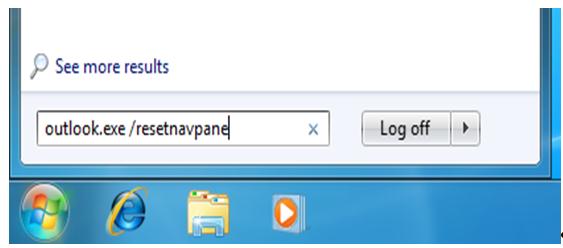
See more results
outlook.exe/resetnavpane Log off
How can I recover and start Outlook again?
Need your opinion.
Error while trying to start Outlook
Hello Lilie,
To fix the error that you are getting, you will need to use the following procedure:
-
On your computer, go to the Start menu and then click Run.
-
After that, go to the Run dialog box, and then type the following command:
Outlook.exe /resetnavpane
Note that you should put a space between "Outlook.exe" and "/resetnavpane"
-
After that click OK.
In the event that you are using Windows Vista or Windows 7, you may not be able to see Run on the Start menu. You will therefore need to follow the steps below in that case:
-
Go to the Start menu and then click All Programs.
-
After that click Accessories.
-
And then click Run.
Regards,
Carl















