Since installing the PSTL, whenever I start Microsoft Dynamics GP I get the error message below. If you can, please give me some tips
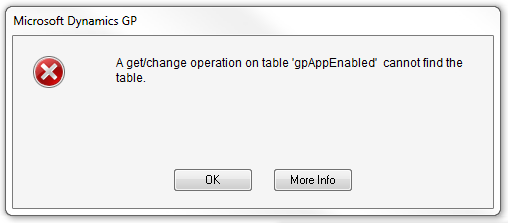
Microsoft Dynamics GP
A get/change operation on the table 'gpAppEnabled' cannot find the table.
Error Starting Microsoft Dynamics GP After Installing PSTL
Hello Susan
The issue you are getting occurs when the SQL objects for professional services tools library haven't been created in the company. The GP user ID that is attempting to log into the company has got insufficient privileges to the database to create the SQL objects that are needed. This could be as a result of the earlier installation of the professional service tools library or it could be a recent company through Microsoft Dynamics GP utilities that has not yet logged into the 'sa' or sa.
To resolve that issue, you will need to shut down Dynamics GP possibility which requires the Microsoft Dynamic GP utilities to be ended via the task manager.
Regards,
Carl