
Error on Installing Apple on Software Update
-
Why I failed to install my Apple Software on Software Update?
-
Should I use other Software Update to install my Apple Software?
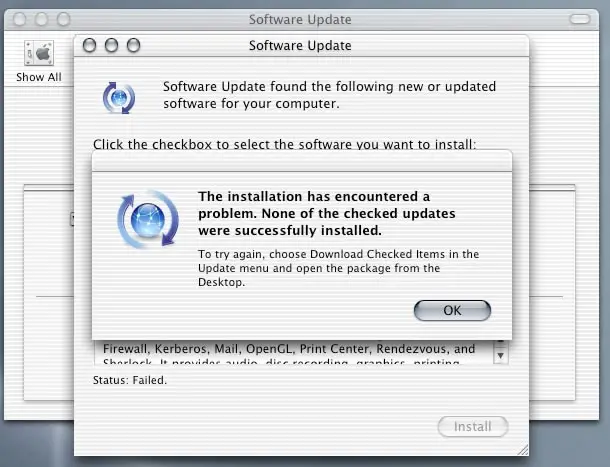
The installation has encountered a
problem. None of the checked updates
were successfully installed.
To try again, choose Download Checked Items in the
Updates menu and open the package from the
Desktop.
OK
Error on Installing Apple on Software Update
Hi, Some Software Updates cache can be caused by a various problems when you are attempting to update. It can be fixed. You only need to find the offending files. You can see this in /Library/caches/com.apple.SoftwareUpdate/where is your home folder and then delete them.
I hope this will help you. Good Day!
Error on Installing Apple on Software Update
This problem is very normal when doing the update on the software from within the application. This problem usually happens because of a problem encountered on your system when the update is about to begin the installation and start updating some system components. Try cleaning your computer for any temporary files that previous and or older upgrades left in the system.
If you have any cleaning software installed on your computer, use it to clean your entire system to remove all temporary files, empty the recycle bin, empty the web history and cache and other trash files present in your machine. It’s possible that it is what’s preventing the installation from completing. After cleaning your computer, restart your machine then start updating your Apple software again. You should also make sure that your internet connection is very stable to continue the update.
Error on Installing Apple on Software Update
Thanks to you friends. Sharath Reddy, your solution is excellent. After reading your post I have realized why this problem was occurring. I have followed your every instruction and after cleaning my computer, I have tried to update my Apple software again. After these activities, I am amazed that I am able to install my Apple Software and that all problems have been solved. Your solution is superb Sharath and thanks one more time.
















