

Error 1721 in Intel WiDi installation
Asked By
0 points
N/A
Posted on - 01/03/2012

I have a Toshiba Satellite E205-S1904 laptop. My problem is regarding my Intel Wireless Display.
Recently it has stopped working. I attempted to set up the most recent edition of the driver (2.1.38.0) but received an error stated below.
I have upgraded the HD graphics as well as WiFi compatibility drivers.
But it doesn’t help at all. Do you have any kind of solution for this?
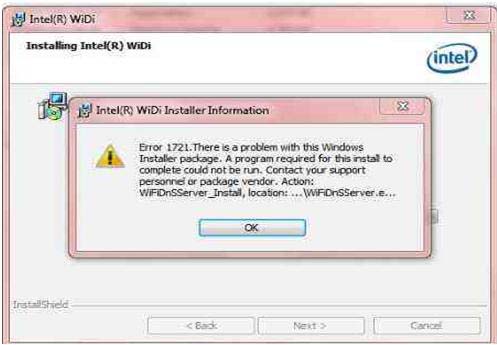
Error Information:
Intel (R) Widi Installer Information
Error 1721. There is a problem with this Windows Installer Package. A program required for this install to complete could not be run. Contact your support personnel or package vendor. Action: WiFiDnSServer_Install, location:…WiFiDnSServer.e…













