Asked By
howel dinh
30 points
N/A
Posted on - 04/07/2012

Hi friends,
When I install the Windows PowerShell, I see something like old MS-DOS command shell. What are the commands used to know my IP Address?
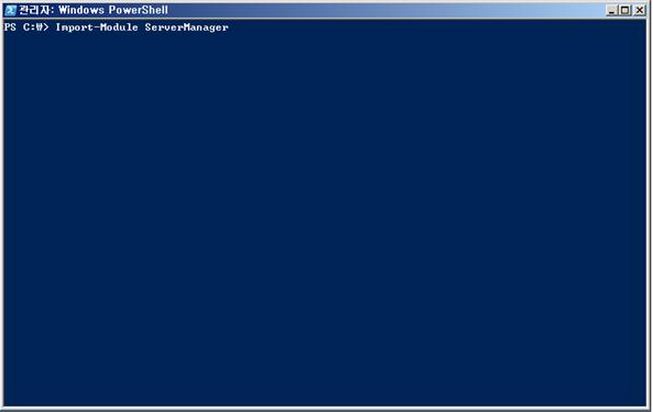
Windows Powershell
PS C:W> Import-Module ServerManager
Thanks.
Commands to start windows Power Shell
Hi Howell,
After PowerShell is launched you can just type "ipconfig" like what we did in the command prompt. PowerShell equivalent to that is :
-
Get-WmiObject win32_networkadapterconfiguration | Where-Objecct {$.IPAddress} | Format-List
This command yields more readable format than "ipconfig" displays. PowerShell uses Windows Management Instrumentation objects to access network subsystem.
For more information about the command visit this site below:
I hope it helps.
Commands to start windows Power Shell
Hi Howel Dinh,
The Windows PowerShell is quite similar to command prompt and also some of their commands are common too.
What you need to get IP address of your system from PowerShell is to just follow some simple commands
1. “ipconfig” It’ll show you the basic information about your IP address
2. “ipconfig /all” it’ll show you all the information related to your IP address.
3. “ipconfig /release” It’ll release an IP address of your system
4. “ipconfig /renew” where you can renew your IP address after releasing
5. “ipconfig /flushdns” it’ll flush the DNS resolver cache of your system
You can also use vb scripts to run on PowerShell which will execute multiple commands in the script.
I hope you’ll get your solution now.
Regards,
Johnstoon Leen
















