Method of installing Adobe Photoshop CS5 in Windows
Method of installing Adobe Photoshop version CS5 software in windows operating system
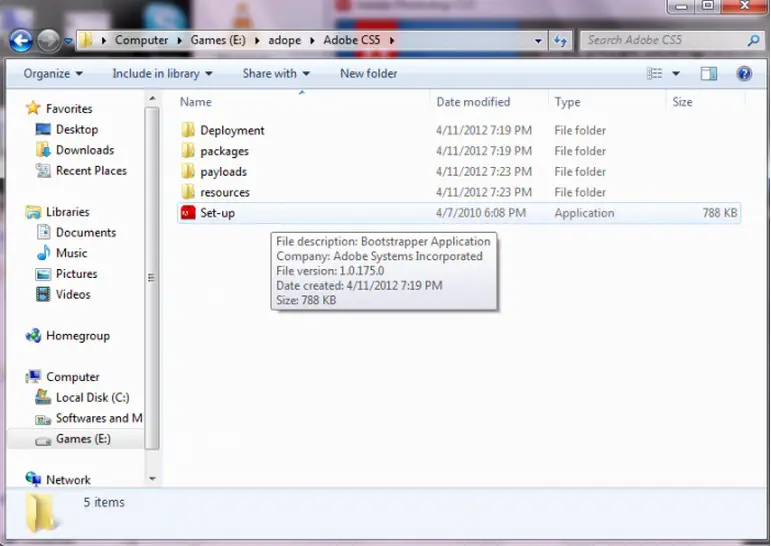
Firstly after downloading Adobe Photoshop CS5 open the folder where you downloaded the Adobe Photoshop CS5. When using Windows XP, the download location is usually in Downloads in My Documents in Windows XP. Double click the last option which is “set up”, as shown in picture below, to start the installation.
Then a software installation process will start like the one in the picture below showing that Adobe installer loading has just been started.

Let this loading process complete.
After completion of this loading process a new window will open in which the Adobe software agreement is written and two options are offered: install or quit.
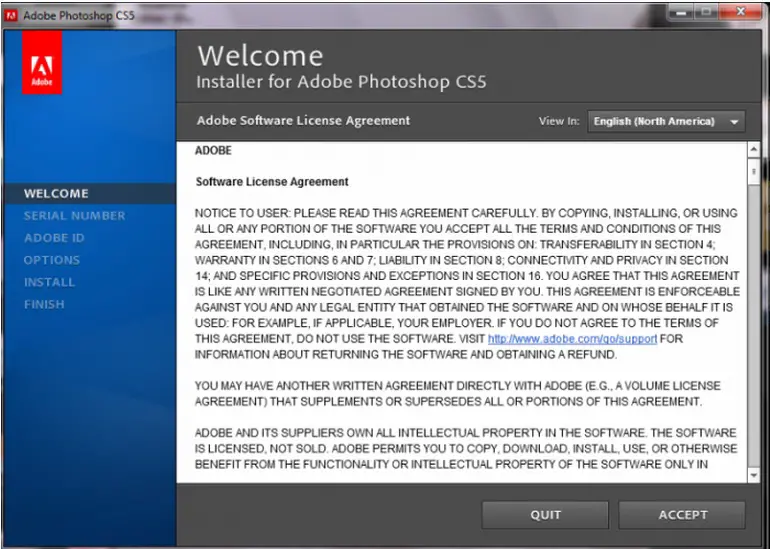
This is part one of installation process as shown in the picture with the heading “welcome”. Select the language you wish to install in the option view, Clicking I accept “English North America” then clicking Accept.
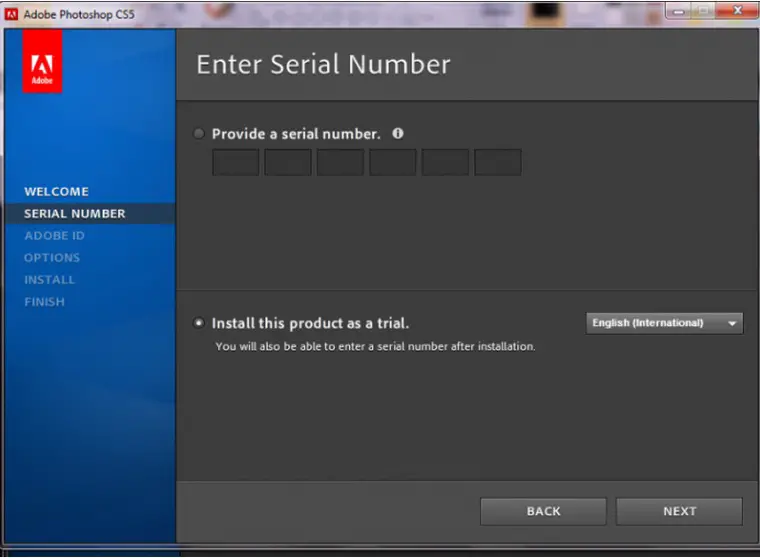
Then next screen will appear asking you for the serial number or if you wish to install trial version which is valid for thirty days.
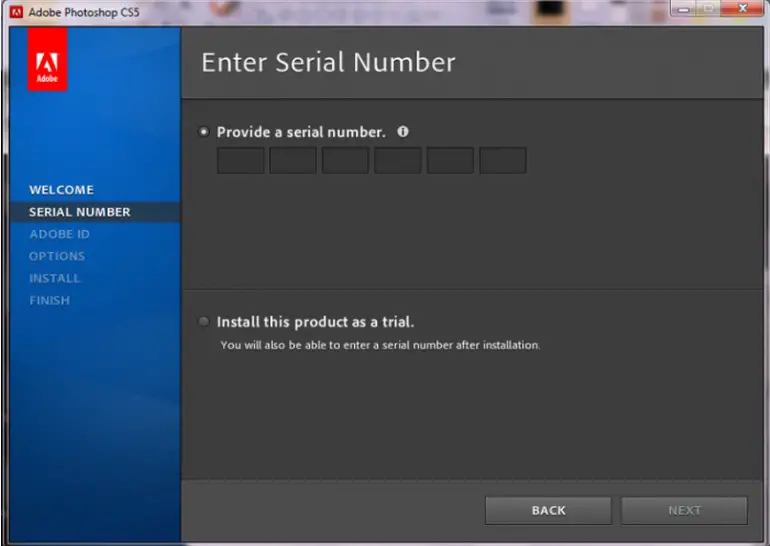
This is the second step in which you can choose any option you want, then select language again before clicking next in the box. After that if you choose trial installation you don’t need Adobe id then directly “option” menu will come.
Under the installation options select location where you want to install the software in your system. You can also click a product name to customize options. A picture of this procedure is given below:
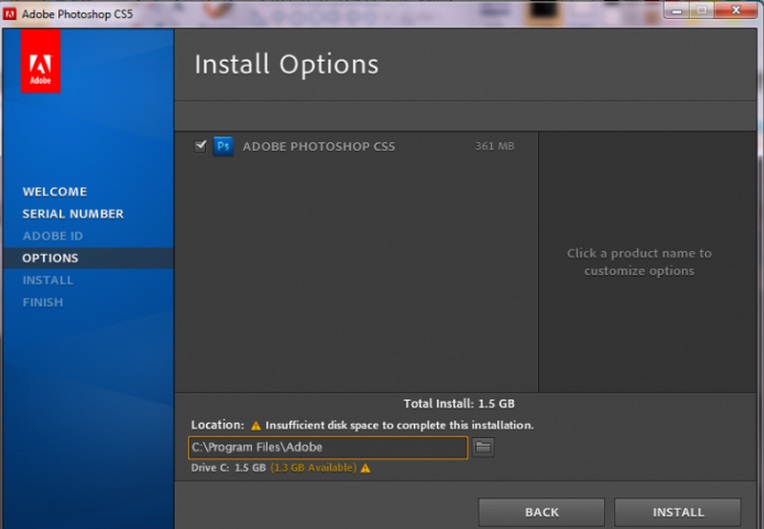
Then click “Install”. Your installation will start in the location which you have selected. Normally software is installed in C drive > program files >Adobe
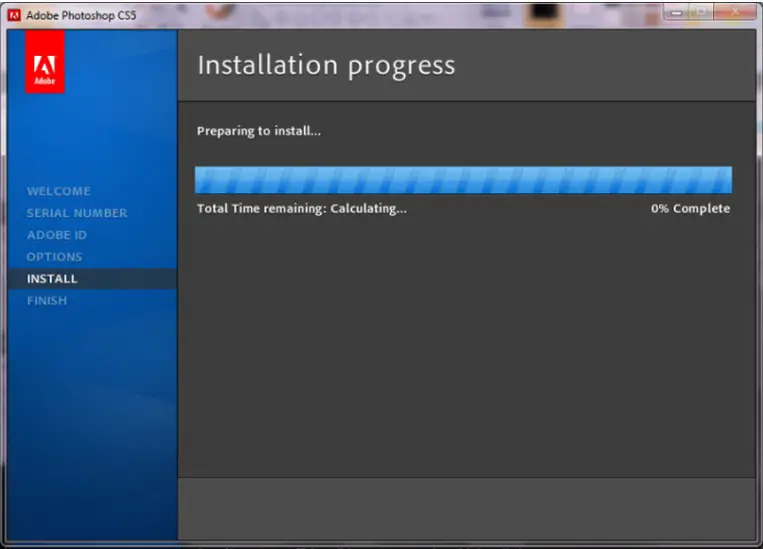
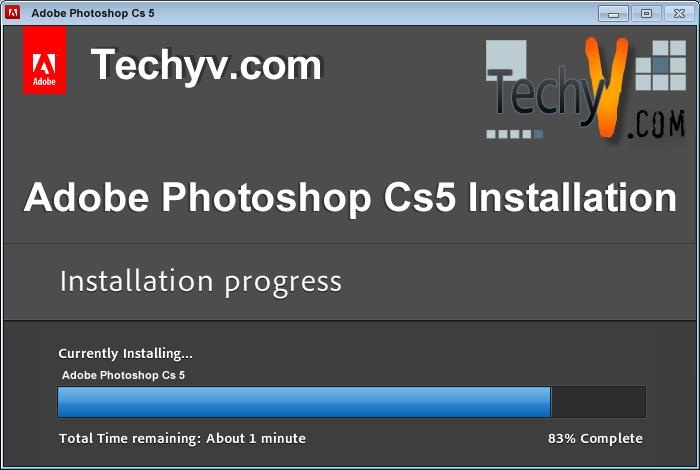
As you can see above installation progress is starting where at one side of the blue bar, time is being calculated by the system and at other side, the percentage of completed Installation is shown.
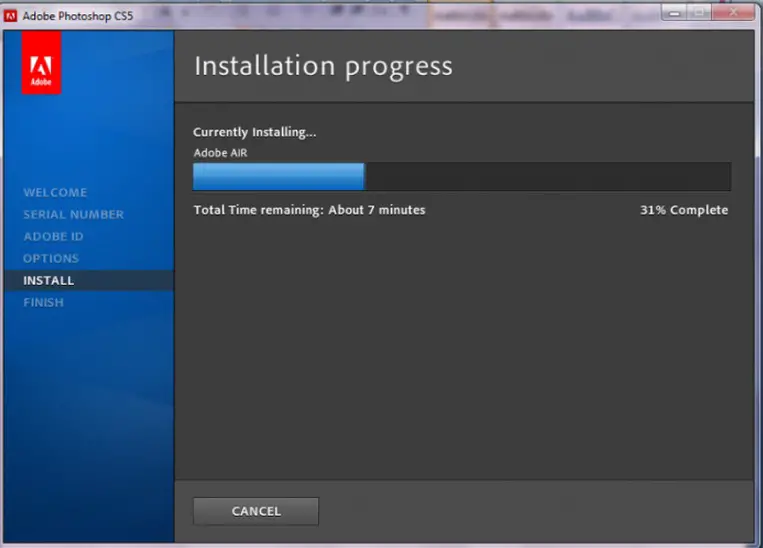
Above is a snapshot during the installation process showing that installation will complete in seven minutes and is thirty one percent completed. After approximately seven minutes the installation will be one hundred percent complete then the final step will come.
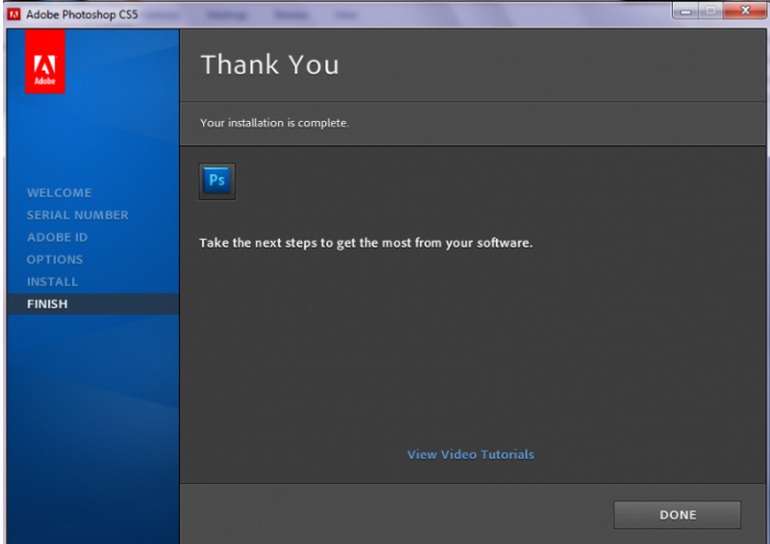
This is the completion of installation of Adobe Photoshop. Click done to start using the Adobe Photoshop version CS5 or to watch video tutorial about Adobe Photoshop, click “view video tutorials”.
Then a video tutorial will appear in the screen which will guide you on how to use Adobe Photoshop CS5.